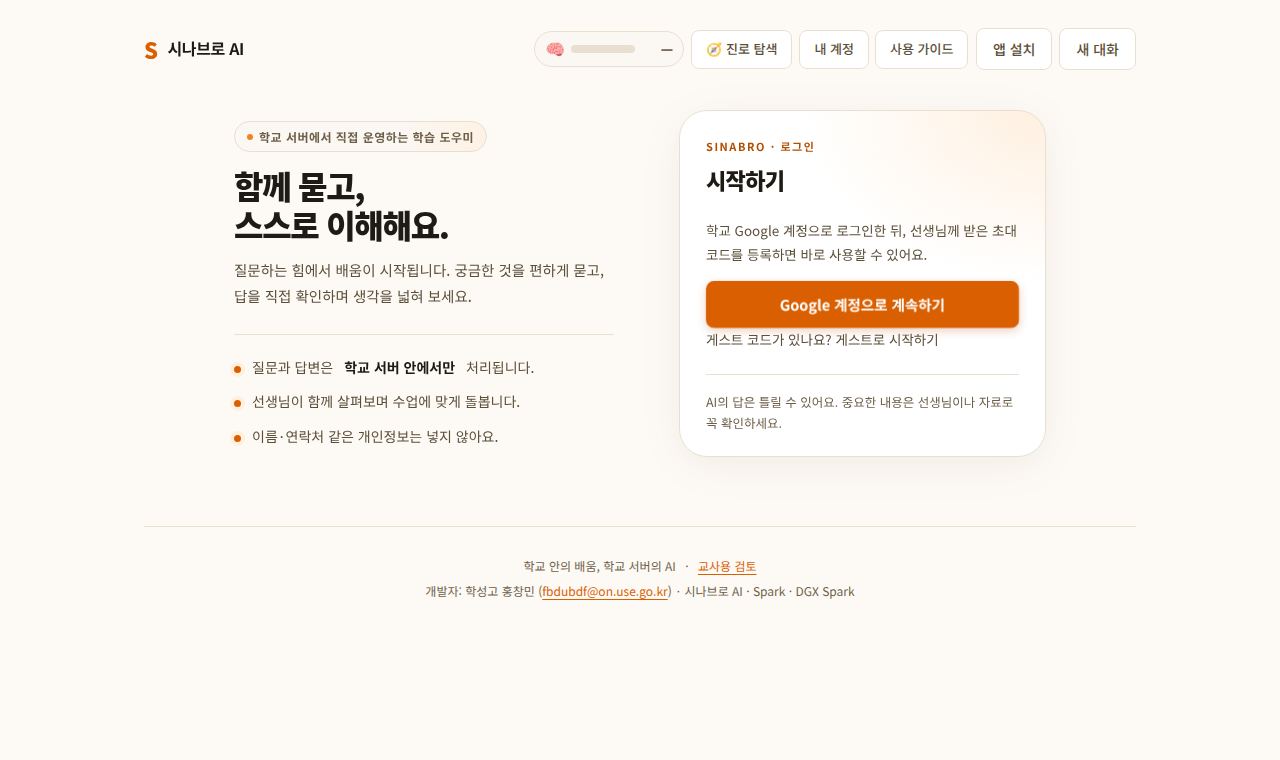
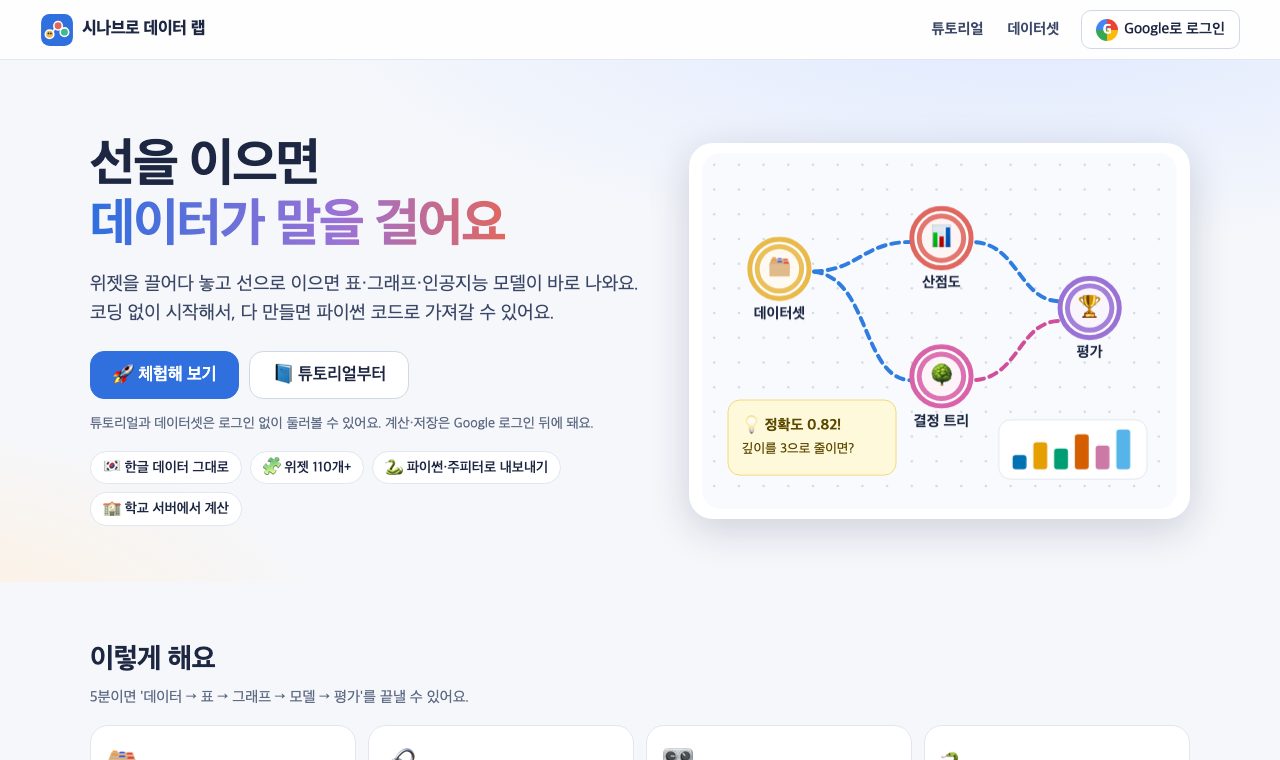
Orange3처럼 위젯을 끌어다 놓고 선으로 이어 데이터를 분석하는 웹 도구입니다. 설치 없이 브라우저에서 데이터셋 → 표 → 그래프 → 모델 → 평가를 이어 보고, 다 만든 흐름은 파이썬(.py)·주피터(.ipynb) 코드로 내보냅니다. 위젯은 119개(데이터·변환·시각화·모델·평가·비지도 학습·연관 규칙·텍스트·이미지·딥러닝·시계열), 내장 데이터셋은 57종(실제 공개 데이터 29종 포함)이고, 한글 CSV(CP949)도 그대로 읽습니다. 2022 개정 교육과정 데이터 과학·인공지능 기초 성취기준에 맞춘 튜토리얼 30개가 있고, 퀴즈 정답은 서버가 채점합니다. 선생님은 관리자 승인 뒤 수업을 만들어 코드로 학생을 초대하고, 학생별 튜토리얼 진행·최근 오류·제출물을 봅니다. 살펴보기의 [AI] 탭에서는 학성고 AI 서버의 시나브로 AI가 고른 위젯의 설정과 결과 요약을 보고 답하고, 튜토리얼 퀴즈는 정답 대신 힌트만 줍니다. 표의 실제 값은 AI에게 보내지 않고, 선생님이 수업마다 켜고 끄며 하루 질문 수를 정합니다. 계산과 이미지·문장 임베딩 모델은 모두 울산 학성고등학교 AI 서버(GB10)의 CPU에서 돌아가서 학생 데이터를 외부 AI 회사로 보내지 않습니다. 둘러보기는 로그인 없이, 계산·저장은 Google 로그인 뒤에 됩니다.
한 반이 동시에 써도 되는지. 학생 30명이 같은 흐름(데이터 → 표 → 분포 → 결정 트리 → 평가)을 돌리고 5명이 그림 임베딩(CLIP)과 한국어 감성 분석을 함께 하는 부하 시험에서 요청 1,138개 중 오류는 0개였습니다. 처음에는 여러 학생이 같은 그림 800장을 동시에 계산하느라 가장 늦은 계산이 54초 걸렸습니다. 그래서 배포할 때 내장 그림 데이터셋의 임베딩을 미리 계산해 두도록 바꿨고, 그 뒤 가장 늦은 계산은 2.5초였습니다. 10월 29일 다시 한 시험에서는 학생 60명과 AI 학생 10명이 함께 써도 요청 1,733개 중 오류 0개, 계산 95%가 2.8초 안에 끝났습니다. 브라우저 시험 46개(튜토리얼 끝까지, 파일 올리기, 저장·공유, 코드 내보내기, 수업 만들기·제출, 접근성, 휴대폰 화면)를 통과했습니다.
A web tool for analysing data by dragging widgets onto a canvas and connecting them, in the style of Orange3. In the browser, with nothing to install, students chain dataset → table → chart → model → evaluation and export the finished flow as Python (.py) or Jupyter (.ipynb) code. It has 119 widgets (data, transform, visualisation, models, evaluation, unsupervised learning, association rules, text, images, deep learning, time series) and 57 built-in datasets (29 of them real public data), and Korean CSV files (CP949) open as they are. Thirty tutorials follow the 2022 national curriculum for Data Science and AI Basics, and quiz answers are graded on the server. After admin approval, teachers create a class, invite students with a code, and see each student's tutorial progress, recent errors and submissions. An AI tab lets students ask Sinabro AI, running on the Haksung High School AI server, about the selected widget's settings and result summary; for tutorial quizzes it gives hints, not answers. Raw table values are never sent to the AI, and teachers can switch it off or cap daily questions per class. All computation, including the image and sentence embedding models, runs on the CPU of the Haksung High School AI server (GB10), so student data never goes to an outside AI company. Browsing needs no login; computing and saving need Google sign-in.
Can a whole class use it at once? In a load test with 30 students running the same flow (data → table → distributions → decision tree → evaluation) and 5 more doing image embeddings (CLIP) and Korean sentiment analysis, 0 of 1,138 requests failed. At first the slowest run took 54 s because several students computed embeddings for the same 800 images at the same time, so the deploy now precomputes embeddings for the built-in image datasets; after that the slowest run took 2.5 s. A rerun on 29 October with 60 students plus 10 AI users had 0 failures in 1,733 requests, with 95% of runs finishing within 2.8 s. 46 browser tests pass (a tutorial end to end, file upload, save and share, code export, classes and submissions, accessibility, phone layout).
 Python Gemini API